Train every new hire the same way, every time
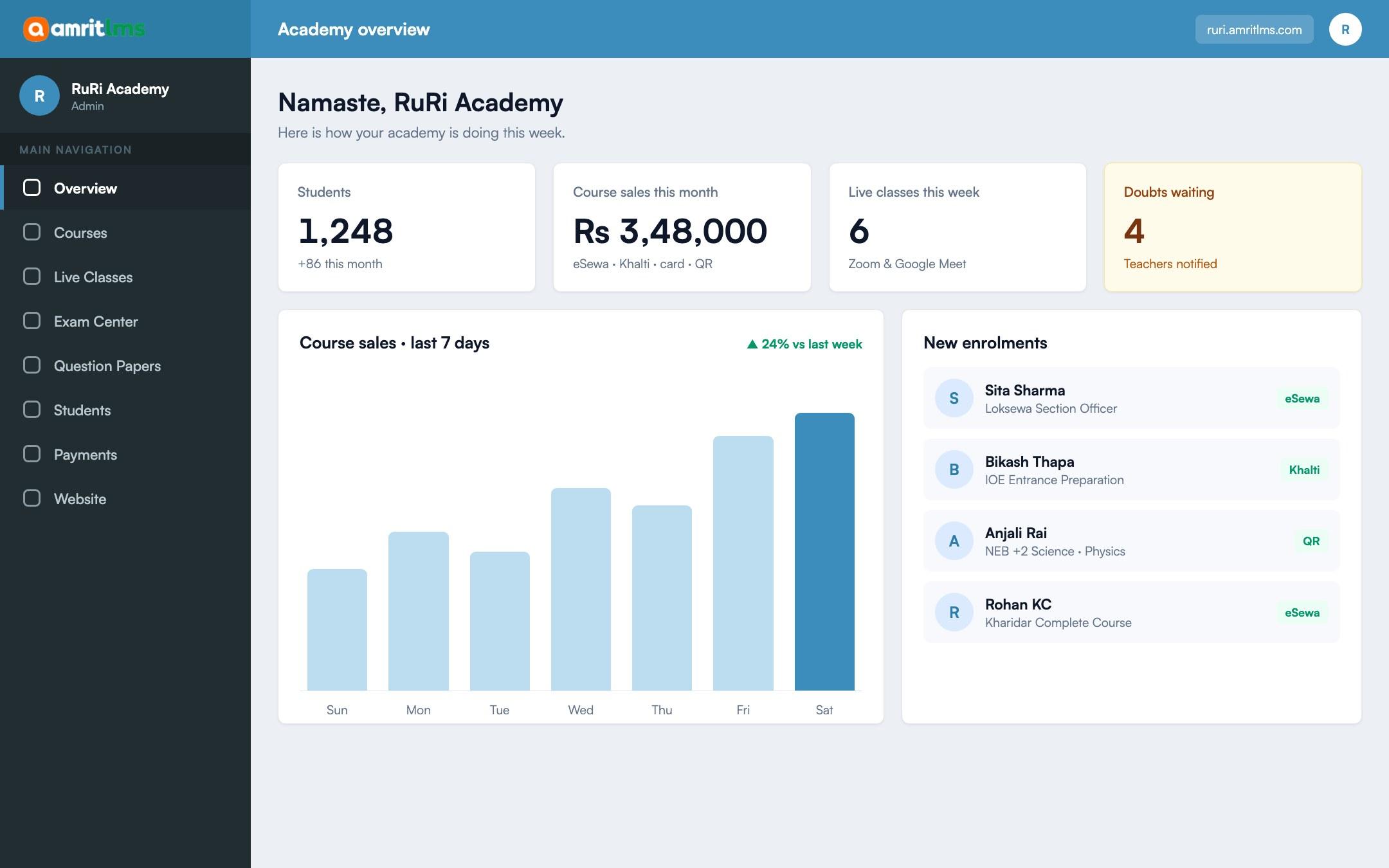
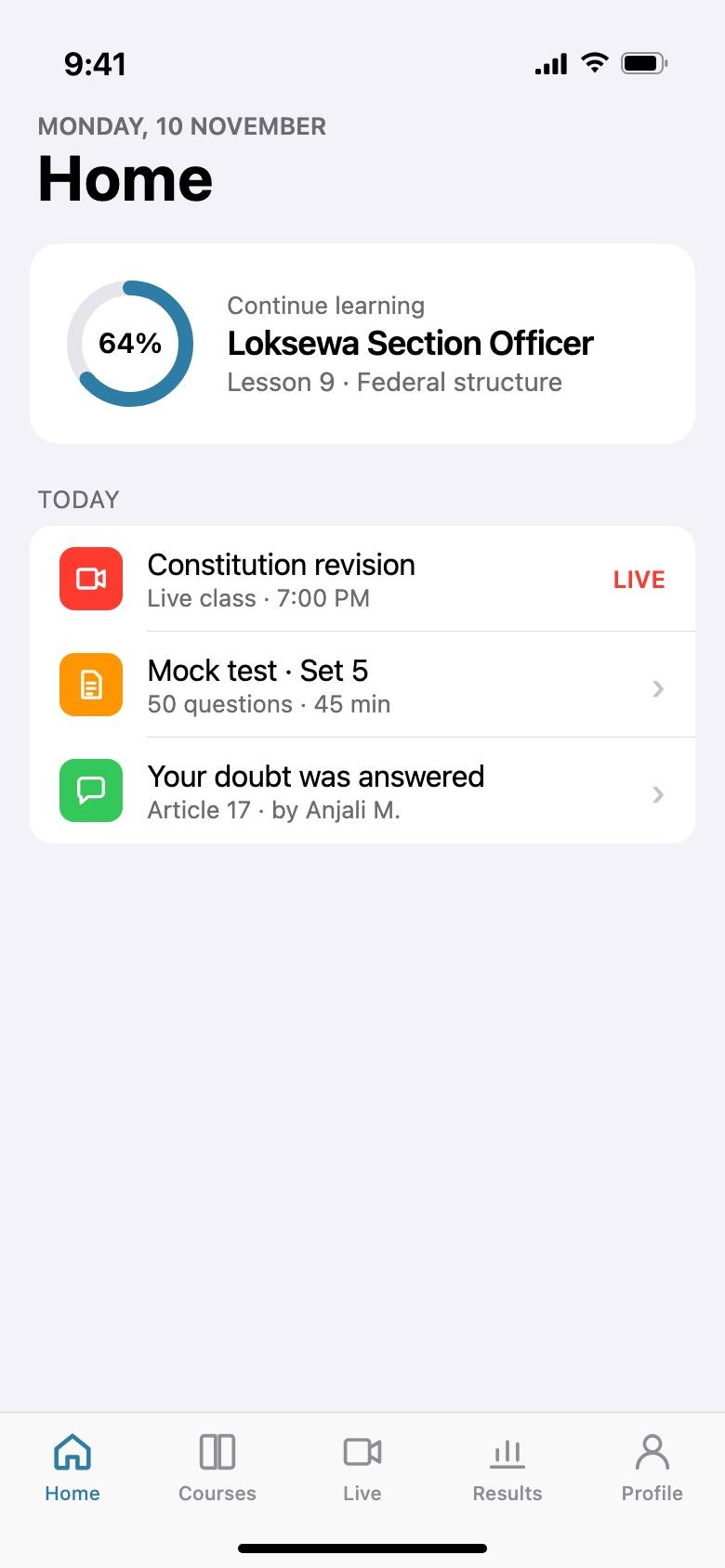
Put onboarding and product training into short courses with quizzes. Run live sessions for questions, and see who has finished.
Certificate of completion
Sita Sharma
has completed Loksewa Section Officer, 48 lessons and 12 mock tests.
What changes
From how it works today
Today
With Amrit LMS
Onboarding depends on who has time to explain things.
The same onboarding course for every new hire.
Training slides sit in shared folders nobody opens.
Short lessons with a quiz at the end of each one.
No record of who completed what.
Progress and quiz scores for every staff member.
Branch staff miss head-office sessions.
Live sessions on Zoom or Meet, recorded for later.
What you can do
What companies use most
01
Staff accounts
Admins create accounts; no public sign-up needed.
02
Short courses
Videos, documents and lessons in a set order.
03
Quizzes
Check understanding after each lesson.
04
Progress
See who has started, finished and passed.
05
Live sessions
Q&A and training on Zoom or Google Meet.
06
Certificates
Issue a certificate when staff complete a course. Premium.
How it works
Three steps
- 1
Build your training
Upload your material or start from an AI draft.
- 2
Add your staff
Create accounts and enrol them.
- 3
Track completion
Progress and quiz scores in one place.
Questions
Before you ask
Can staff sign in with our company email system?
Staff sign in with an Amrit LMS account; single sign-on is not available.
Do staff need to install anything?
No. Training works in the browser, and staff can also use your Android app.
Take the next step
See Amrit LMS with your own courses
Book a short demo and we will walk through your courses, exams and payments with you. Or start a free trial and explore it yourself.
- 15-day free trial
- No card needed