
Classwork, homework and tests, beyond the classroom
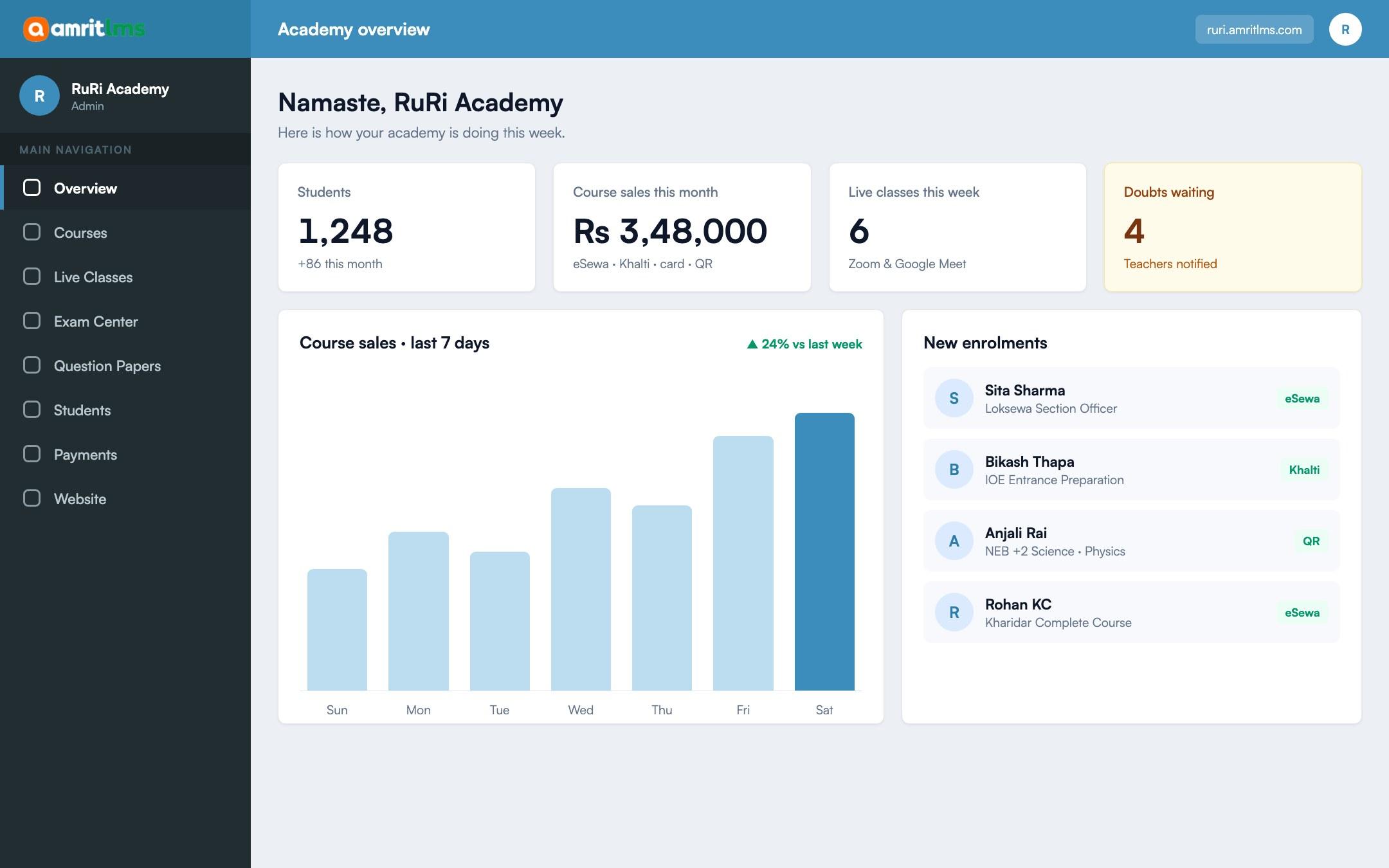
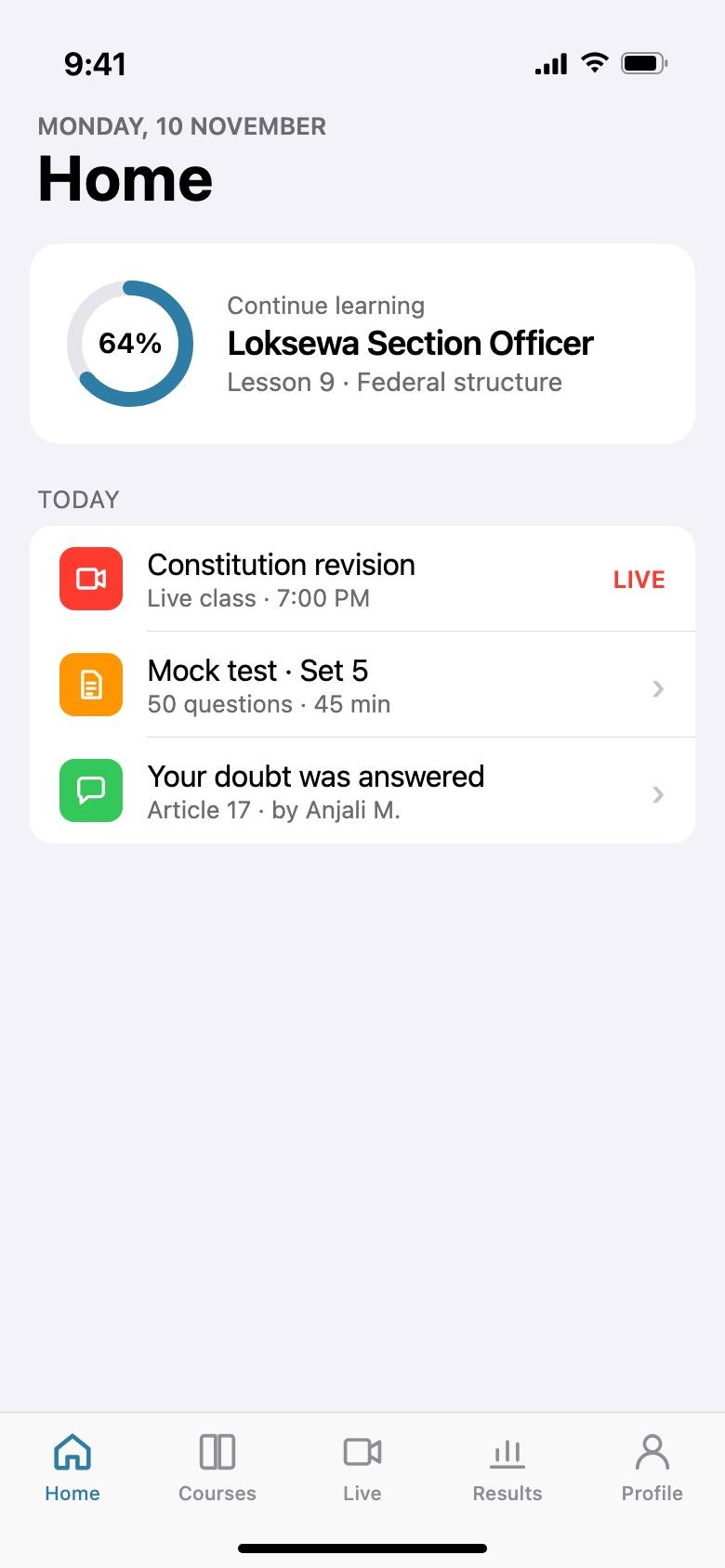
Teachers share notes and videos, set assignments and run short tests. Students catch up from home, on a phone, under your school’s name.
What changes
From how it works today
Today
With Amrit LMS
Homework and notes sent as photos in parent groups.
Notes and assignments organised by class and subject on the student portal.
A sick day means a missed lesson.
Lesson videos and notes students can open from home.
SEE practice tests checked by hand.
Online practice tests marked instantly, with results for the teacher.
The school website is months out of date.
Staff update notices, events and the gallery themselves.
What you can do
What schools use most
01
Notes and videos
Chapter-wise lessons teachers add themselves.
02
Assignments
Set homework and review submissions in one place.
03
Practice tests
Auto-graded quizzes and timed tests, including SEE practice.
04
Live classes
Zoom or Google Meet classes for holidays and closures.
05
Teacher accounts
Teachers manage their own classes without access to fees or settings.
06
School website
Notices, events, gallery, testimonials and admissions enquiries.
How it works
Three steps
- 1
Add classes and teachers
One course per class or subject.
- 2
Teachers add lessons
Notes, videos, assignments and tests.
- 3
Students learn from anywhere
On the website or your school app.
Questions
Before you ask
Can parents log in?
Not as a separate parent account yet. Students sign in with their own account.
Can we create student accounts ourselves?
Yes. Admins and teachers can create student accounts and enrol them.
Does it replace our school management software?
No. Amrit LMS is for teaching, tests and your website; it does not do attendance or report cards.
Take the next step
See Amrit LMS with your own courses
Book a short demo and we will walk through your courses, exams and payments with you. Or start a free trial and explore it yourself.
- 15-day free trial
- No card needed